Aurora
An alarm app that wakes you up with a different sound every day
- Type
- Own product. End-to-end app + branding
- Status
- In development
- Team
- 2 product designers
- Role
- Product strategy, UX/UI design, branding, prototyping
- Platforms
- iOS and Android
Context
Most alarm apps wake you up with the same sound every day, and that ends up being tiring: the tone you chose because you liked it becomes the one you dread hearing.
Aurora starts from a simple idea: every alarm sounds different, but always within the mood you chose.
Challenge
Design an alarm app that:
- Feels different every morning without losing reliability.
- Can be set up in seconds, even half asleep.
- Wakes you up gently, without a jolt.
How might we make waking up feel less monotonous without making the alarm any harder to use?
The app at a glance
- 01
The idea
- Sound packs
- A different sound every day
- 02
First run
- Onboarding
- First alarm
- 03
Every day
- Set an alarm
- Waking up
- 04
Identity
- The sun and the icon
- Dark mode
The idea
A regular alarm app with one twist: you don’t pick a sound, you pick a mood.
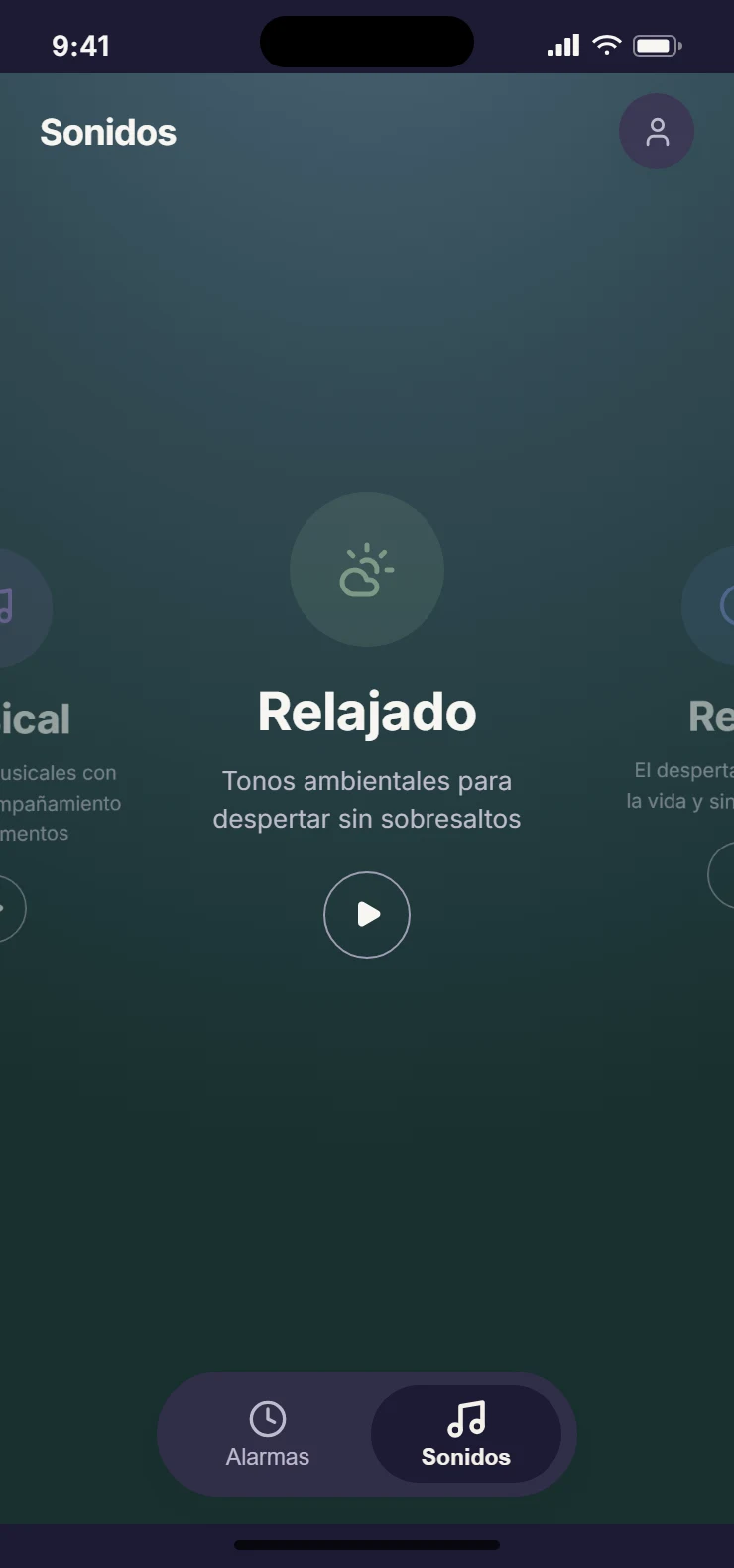
Sound packs
Each alarm is linked to a pack of 7 sounds that share a character: Relaxed, Retro or Musical. Every sound loops and fades in gradually, so there is time to wake up without a jolt.
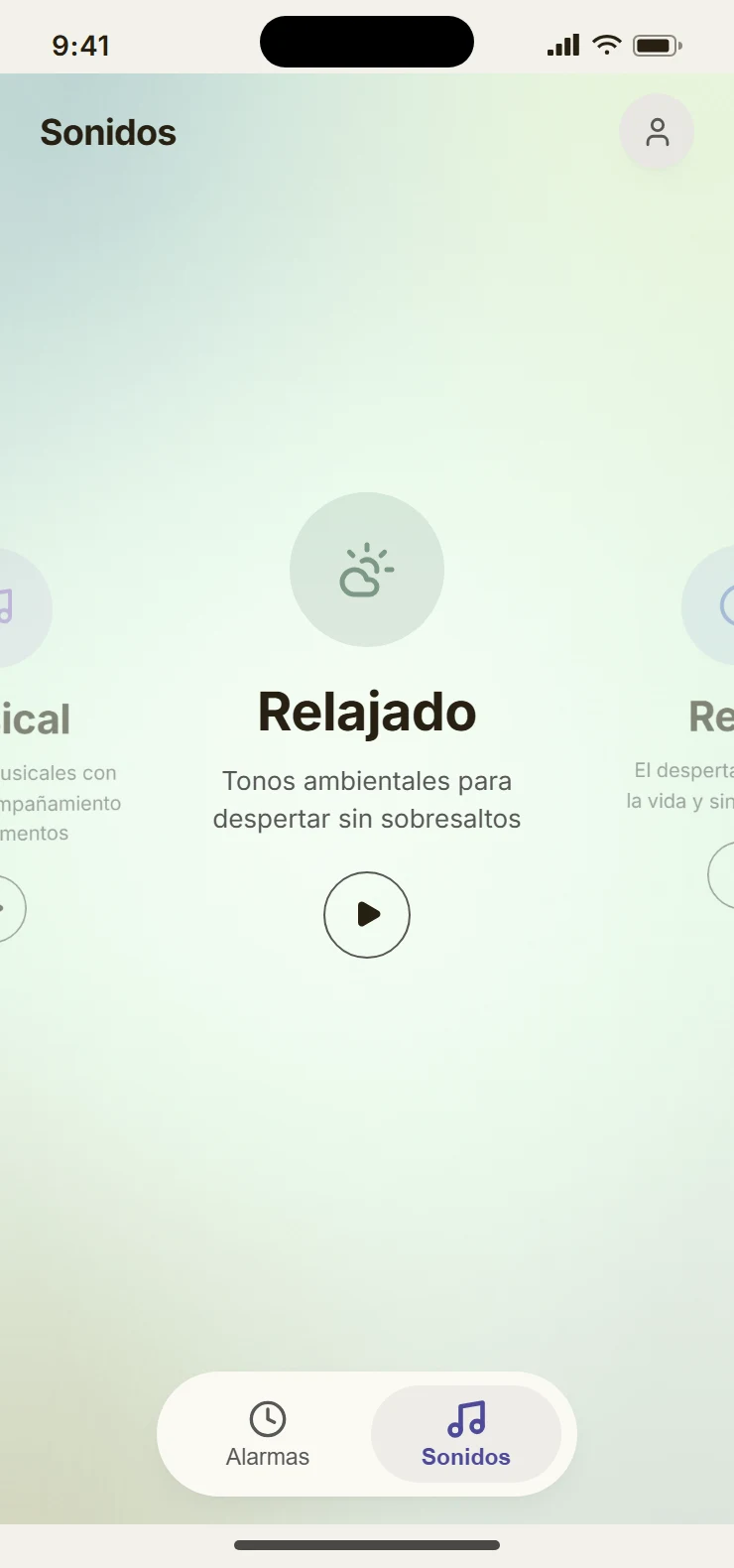
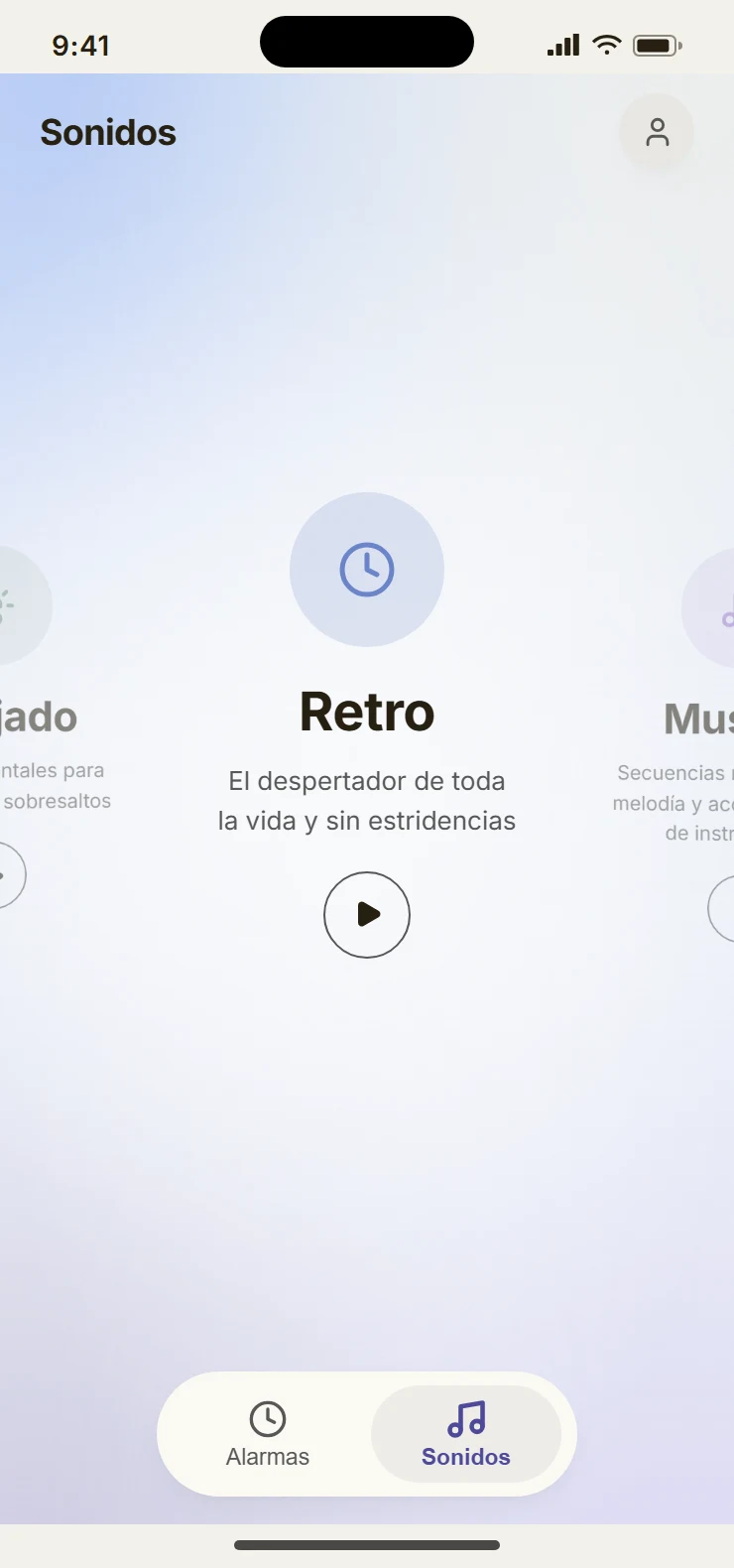
A different sound every day
Pure chance has a problem: the same sound can come up three days in a row.
So Aurora rotates instead: it always picks among the least-played sounds of the pack and never repeats the last one. In a week of daily alarms, all 7 sounds play once, each week in a different order.
First run
Explain the idea, skip anything that isn’t needed and end with the first alarm ready.
Onboarding
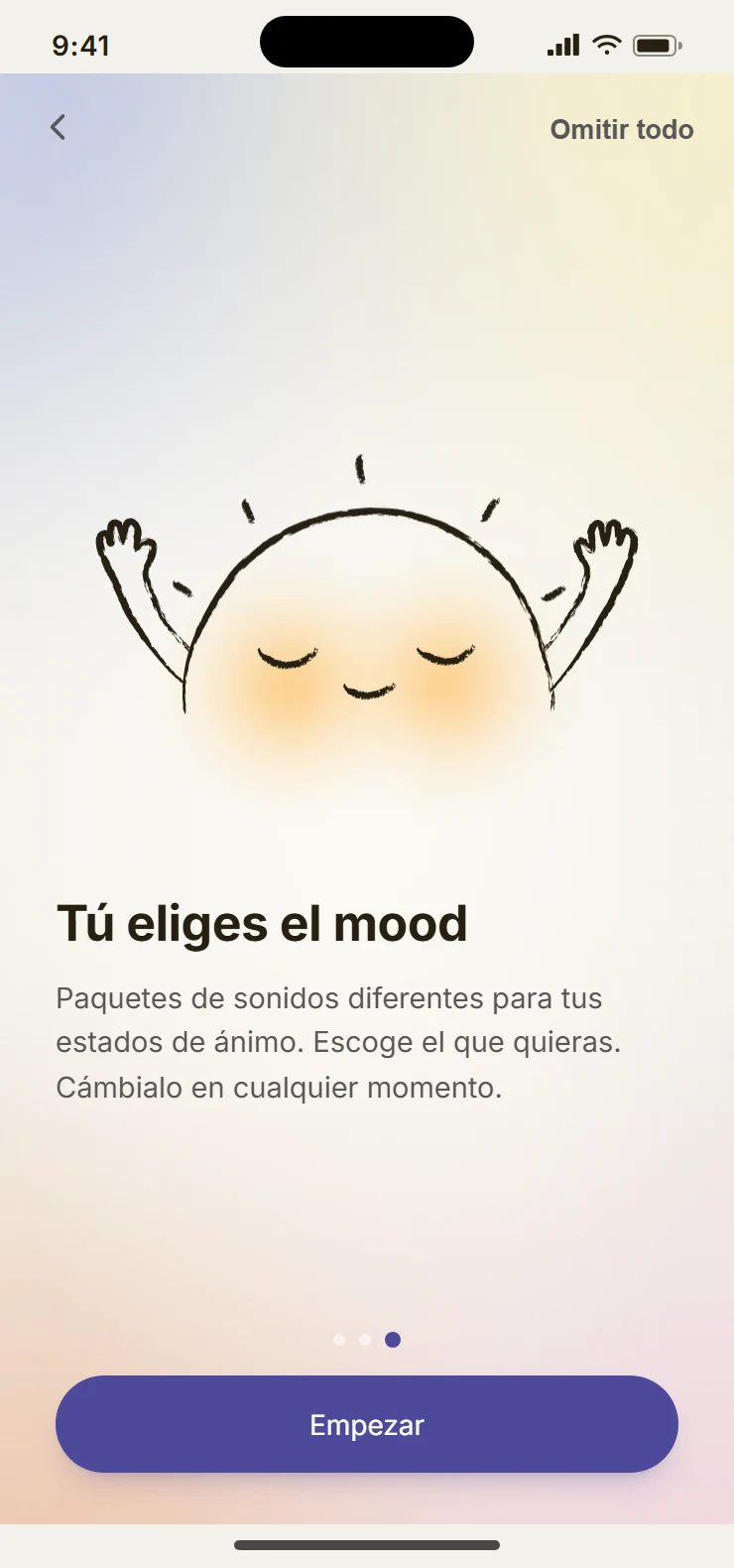
Three screens to explain the idea, with “Skip all” always in view. Creating an account is optional.
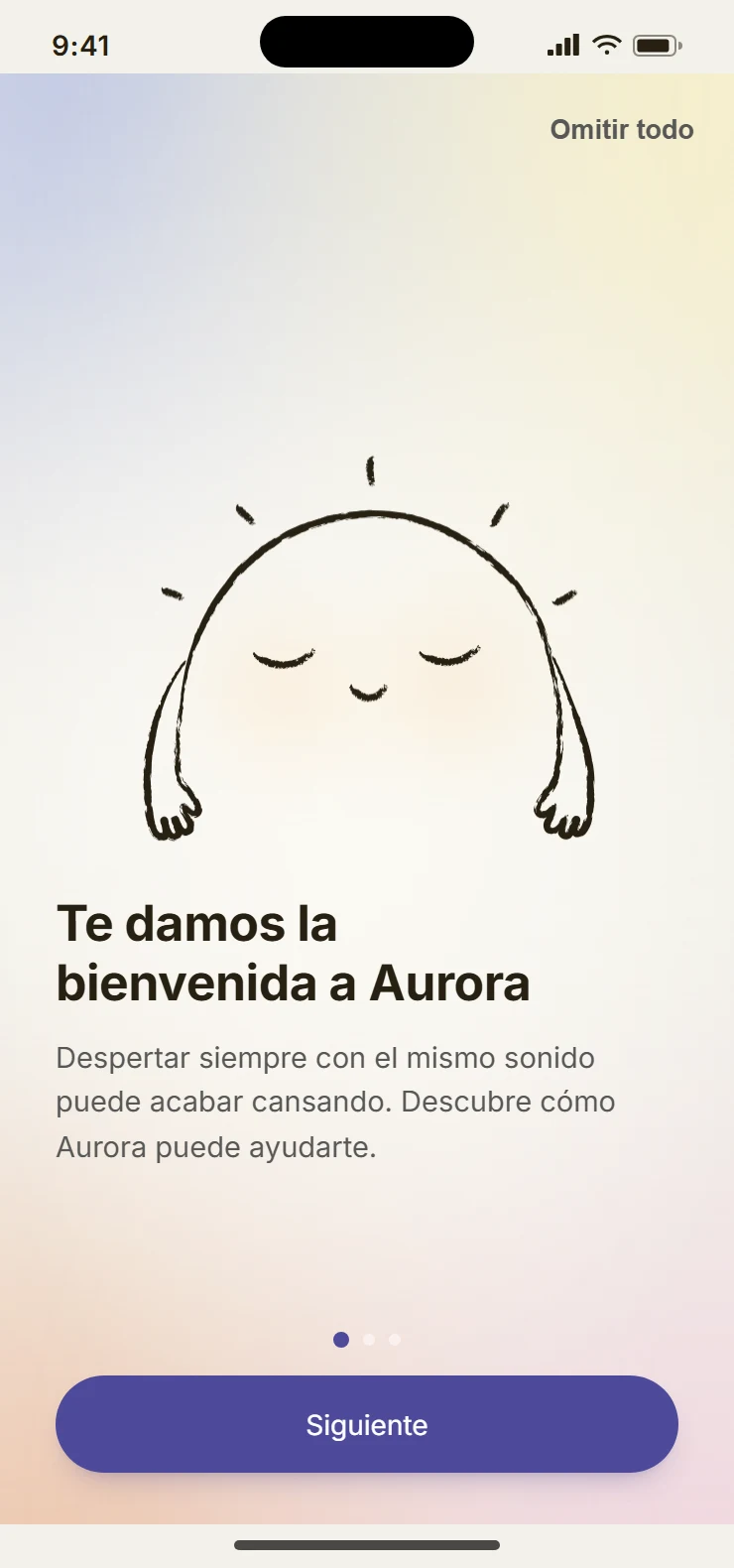
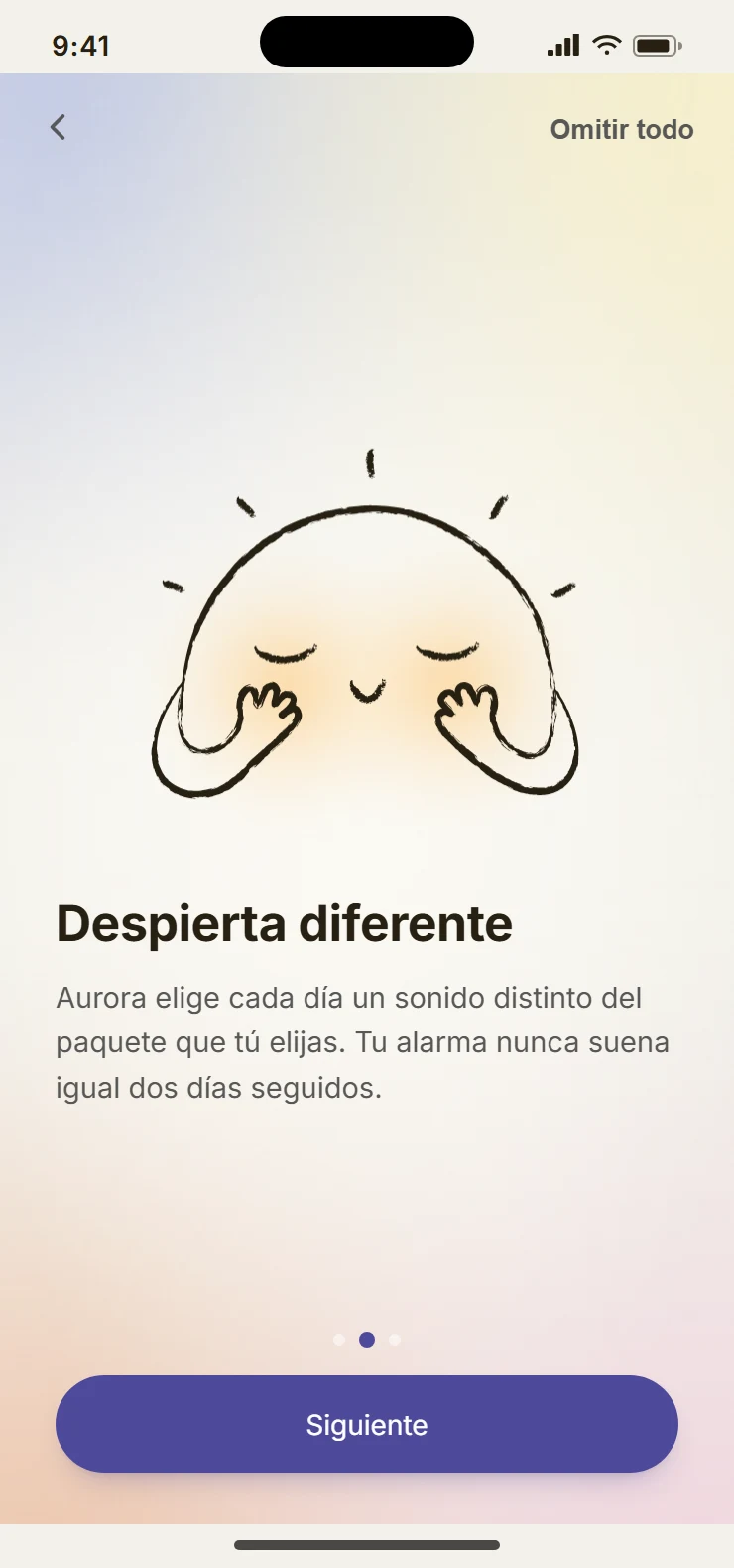
Your first alarm
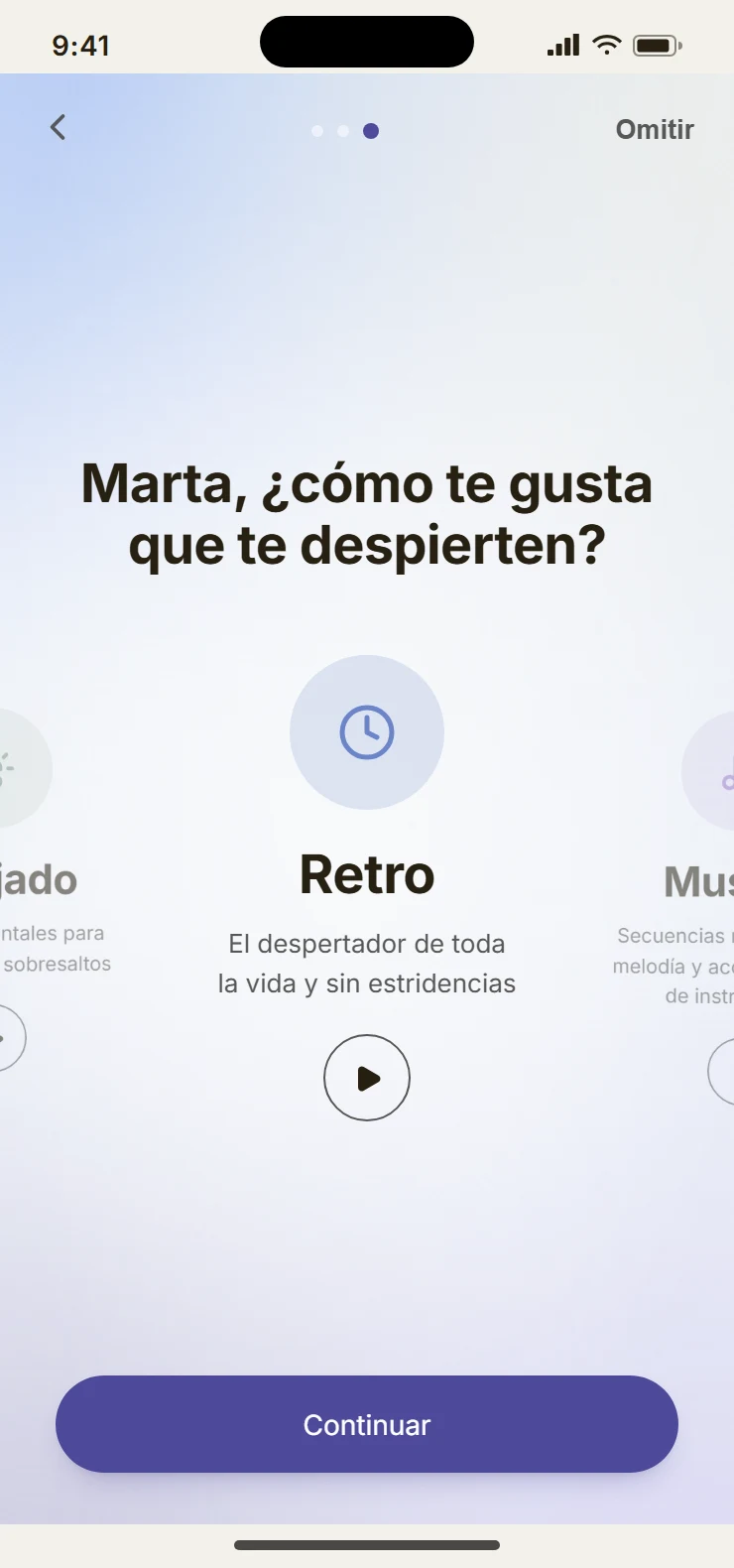
Instead of a technical list of packs, the first question is personal: “How do you like to be woken up?”
Each pack can be played right there, and the chosen one arrives preselected in the alarm form.
Every day
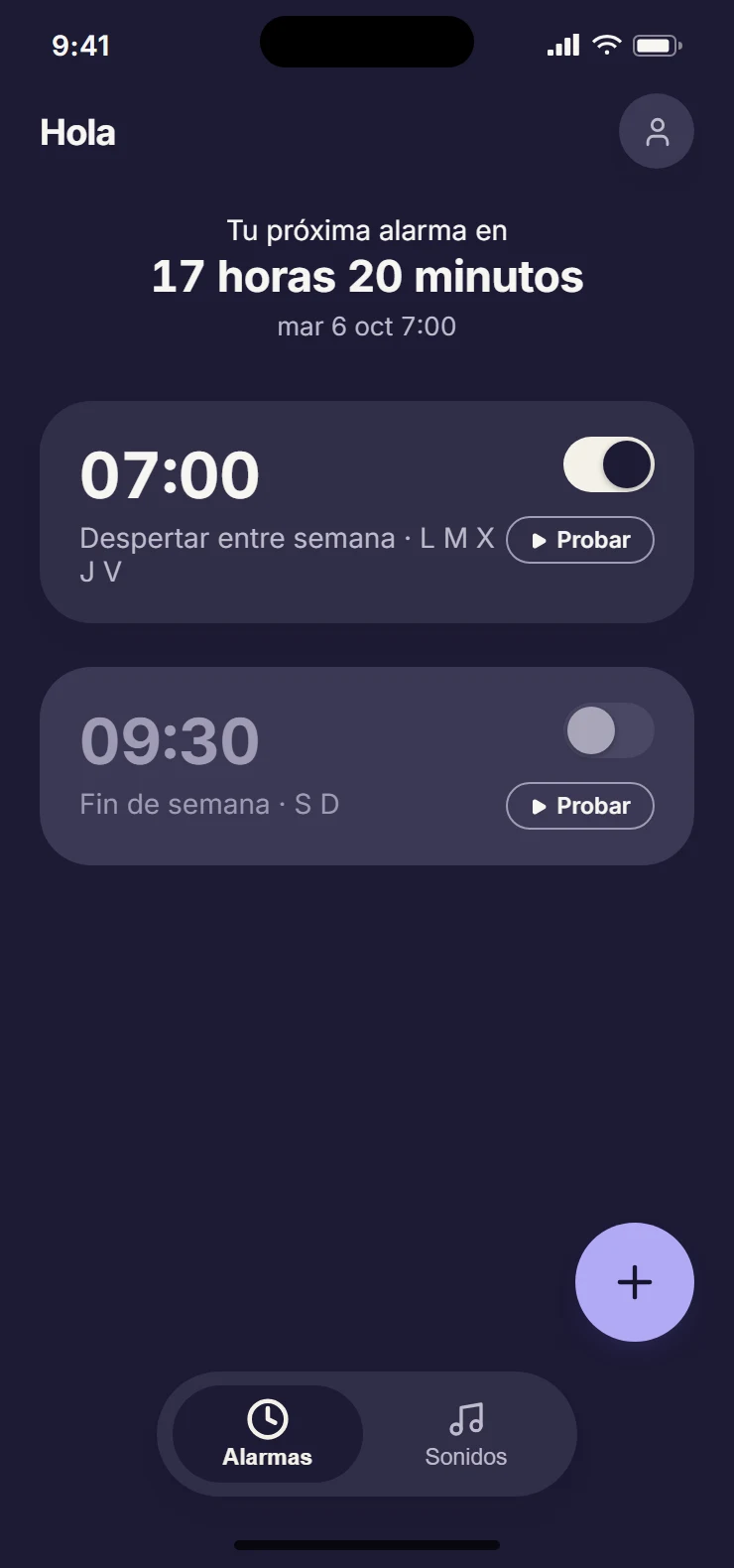
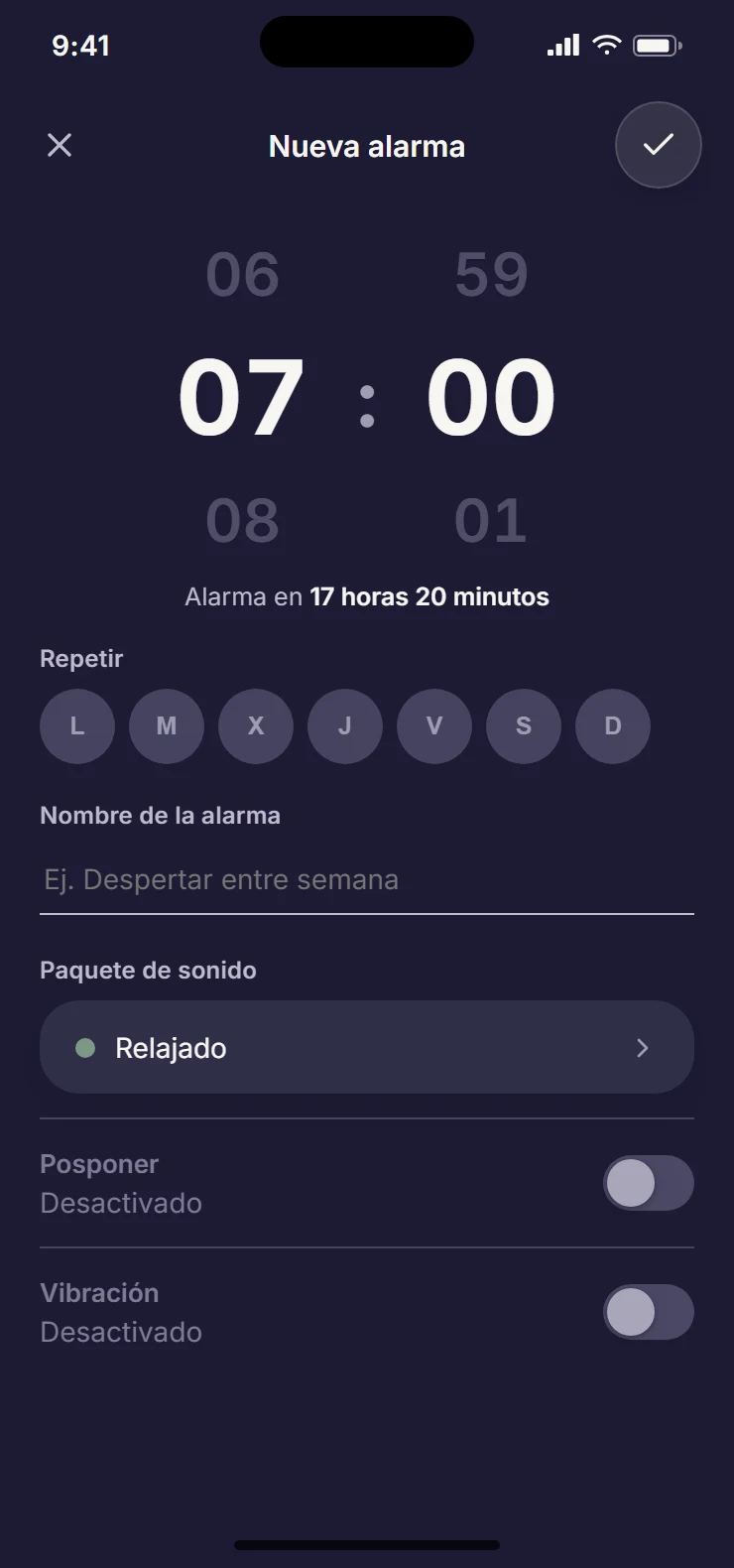
Set the alarm in seconds, check when it rings and go back to sleep.
Set an alarm
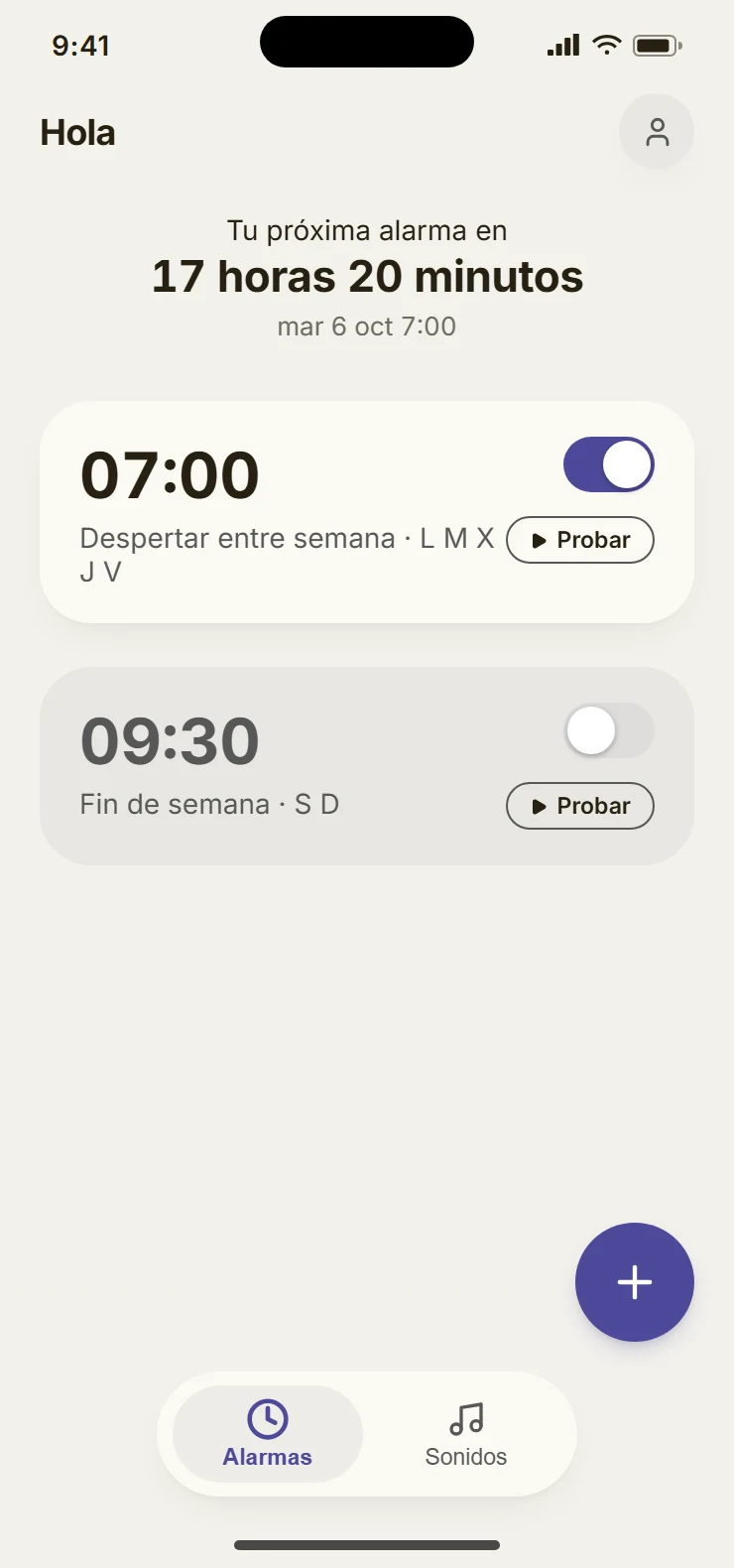
The list answers the only question that matters at night: how long until the next alarm.
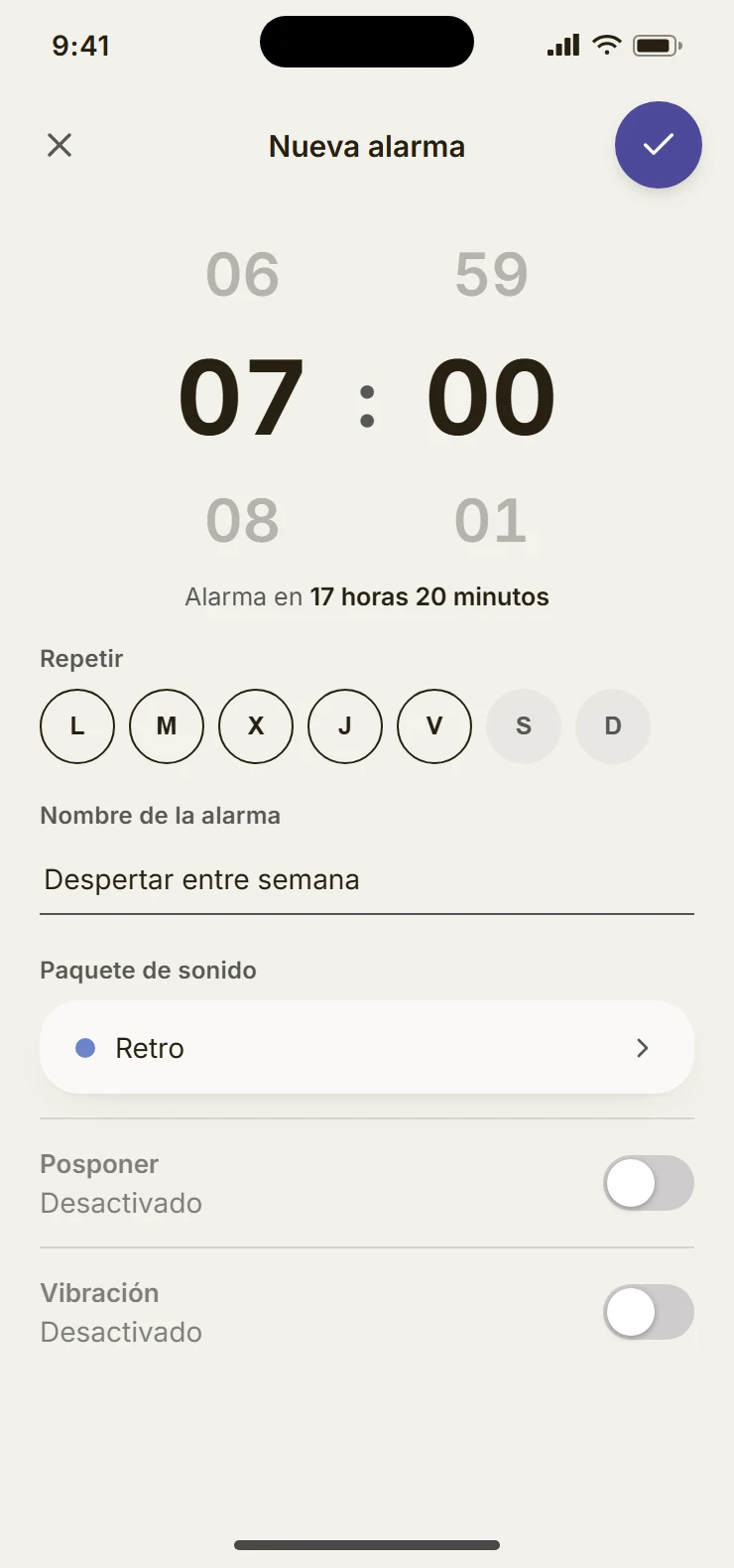
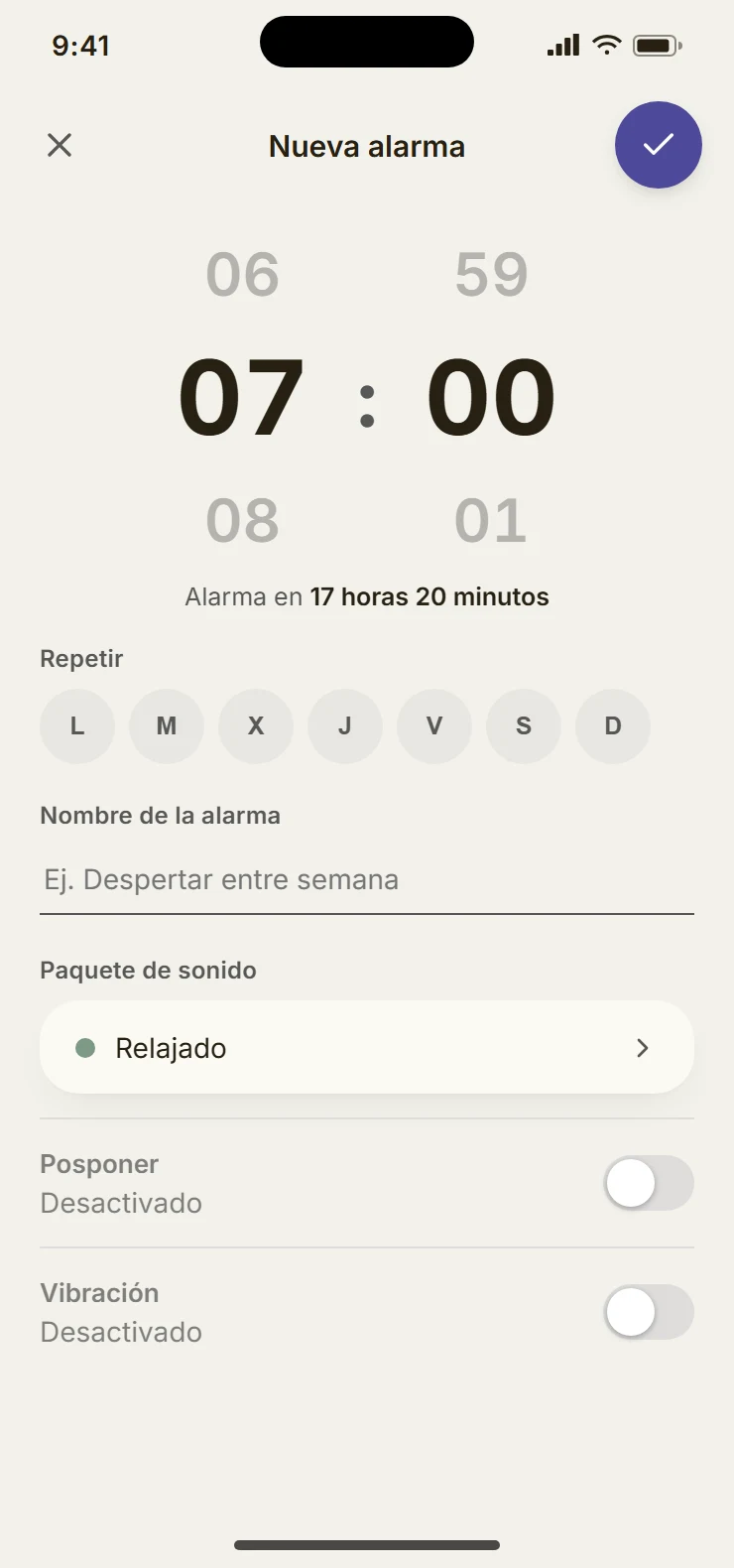
The form fits on one screen, without scrolling: time, repeat days, name, sound pack, snooze and vibration.
Waking up
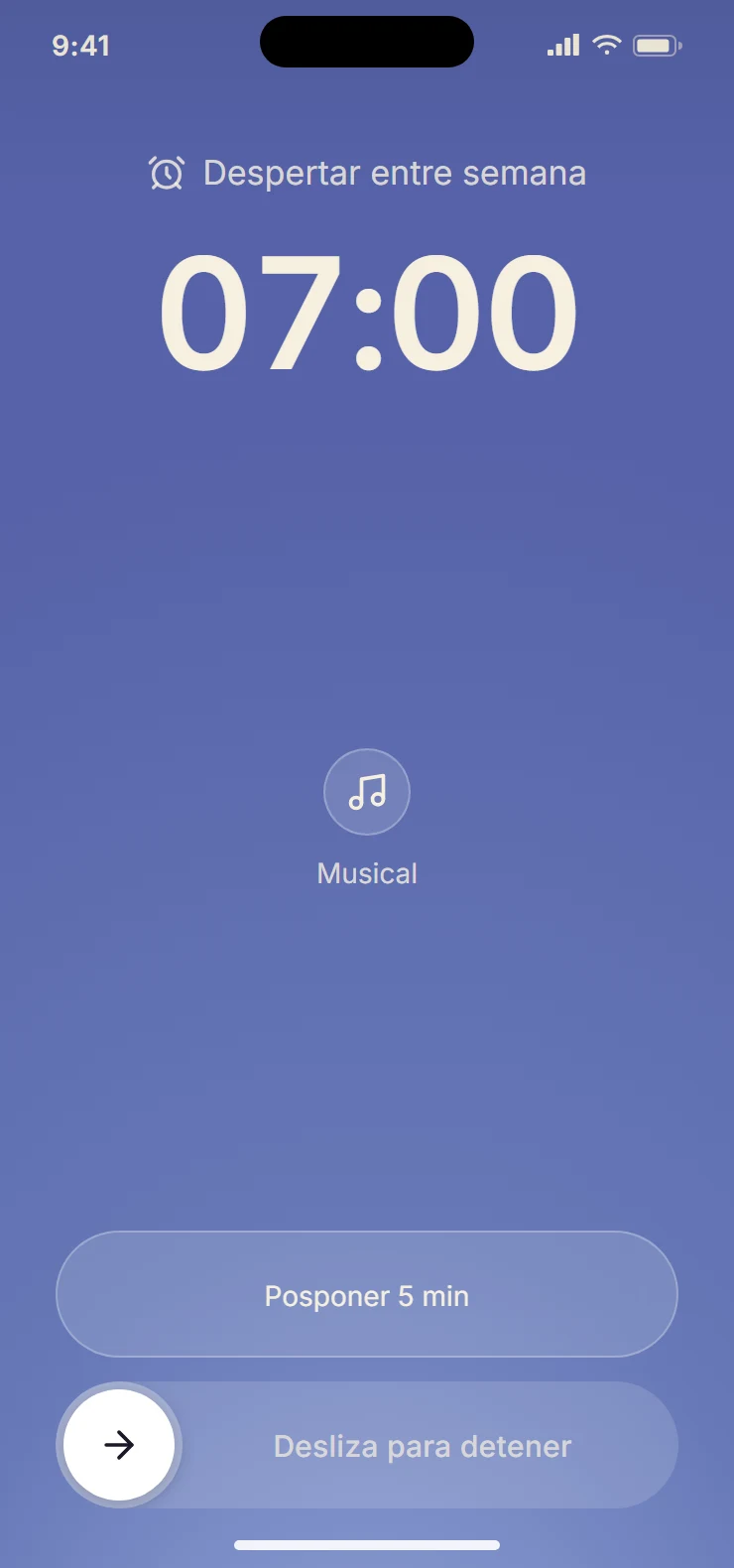
Snooze is a single tap; stop is a slide to the right, so it can’t happen by accident. The screen shows the pack, never the specific sound, to keep a little surprise every morning.
Identity
A warm, hand-drawn character for the most delicate moment of the day.
A sun that wakes up with you
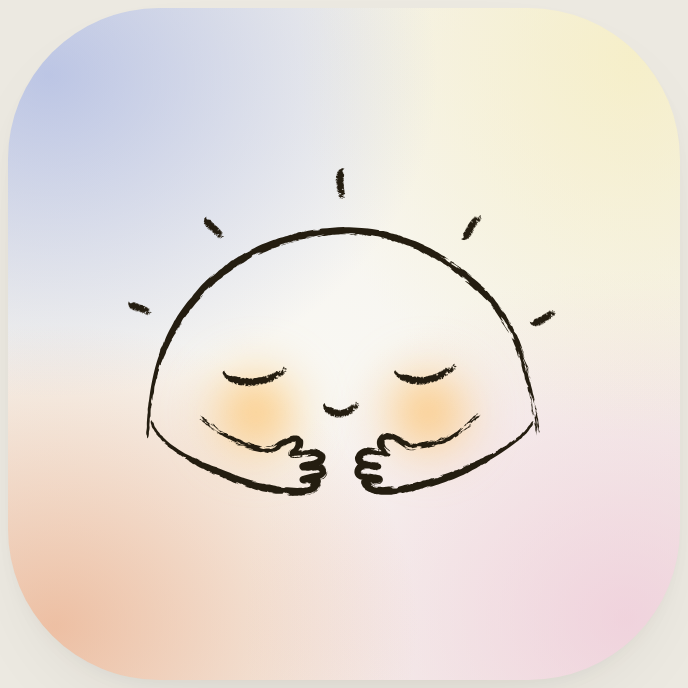
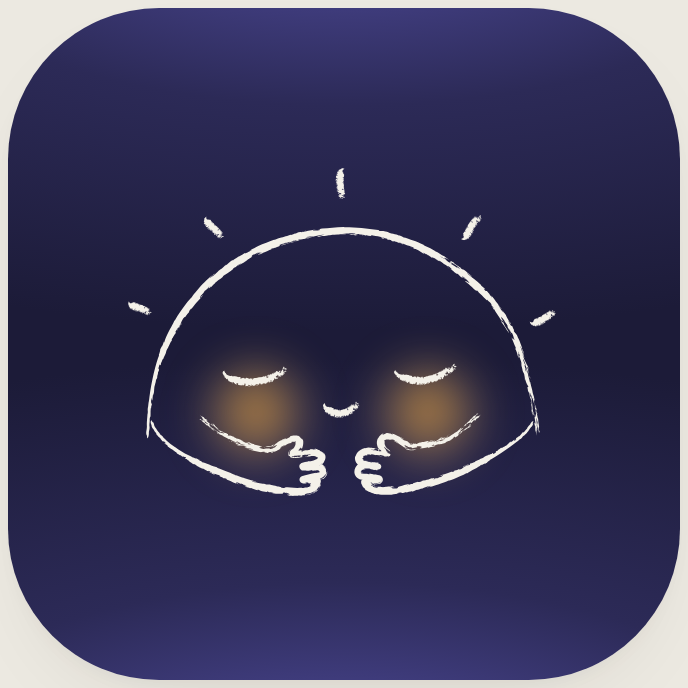
A hand-drawn sun with blushing cheeks, from the splash screen to the app icon, with a light and a dark version.
Dark mode
At night the app becomes an indigo sky, almost in greyscale. Purple is saved for what matters most.
Next steps
- Validate the sounds by ear.
- Build the native alarm module: Android first, then iOS.
- Publish on the App Store and Google Play.